| Docs | hugo-tania
TinaTheme is a port of Typecho, formerly known as SmileTheme
https://github.com/ouyangyanhuo/TinaTheme
Original hugo-tania theme (Hugo system theme)
https://github.com/WingLim/hugo-tania
Features
- Clean design
- Dark mode support
- Native responsive HTML layout
- Ultra lightweight
- Highly customizable
- Comprehensive backend settings system Issues and PRs are welcome, and suggestions are appreciated
Documentation
TinaTheme Docs: https://tina.fmcf.cc/Docs
Demo
Demo site: https://tina.fmcf.cc/
This demo site has all optional features enabled and is highly customized, but aside from modifying the source code to use Windows 10 icons for each project in the Projects section, the theme code is otherwise original.
Discussion & Feedback
Comment section or Github Discussions (discussion)
Issues (bug reports)
magneto@88.com (feedback via email)
Installation
Download the theme package and extract it (if downloaded from GitHub, rename the extracted folder to TinaTheme), upload the folder to the theme directory on your site (/usr/theme), then go to your site's admin panel - Console - Appearance - and activate the theme.
Update Check
In version 2.0.0, update checks are officially handled through the Asstes-FMCF resource center. For privacy-related details about the requests involved, please refer to the docs → Privacy Statement
Manual Update
When updating, download the new theme package and extract it, then simply overwrite the existing files by uploading the extracted contents (back up any custom modifications yourself). No need to switch to another theme (this way your settings won't be lost).
Note
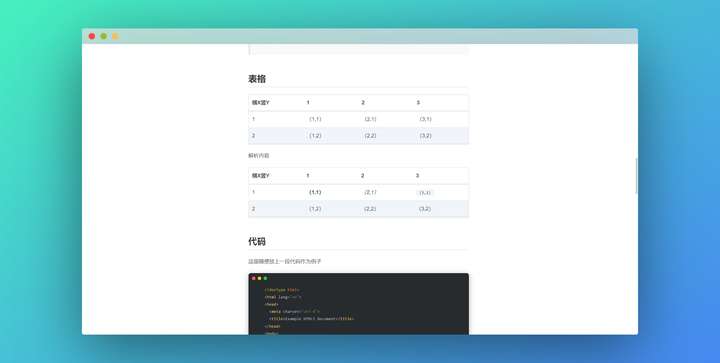
Preview
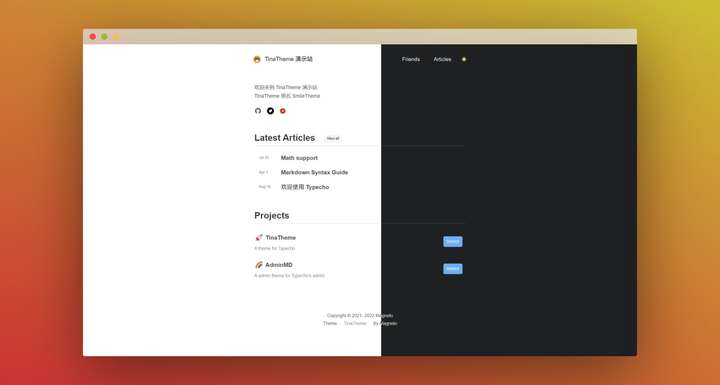
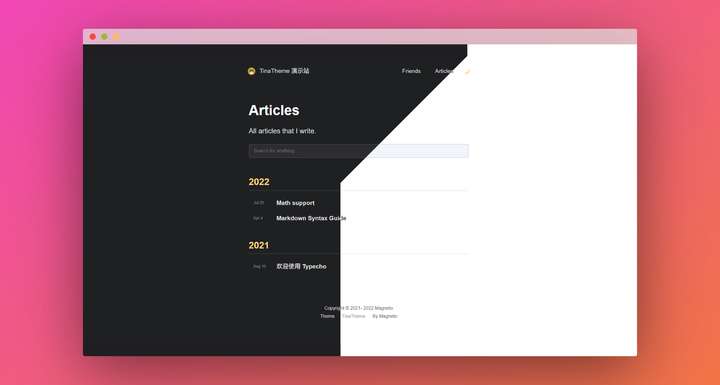
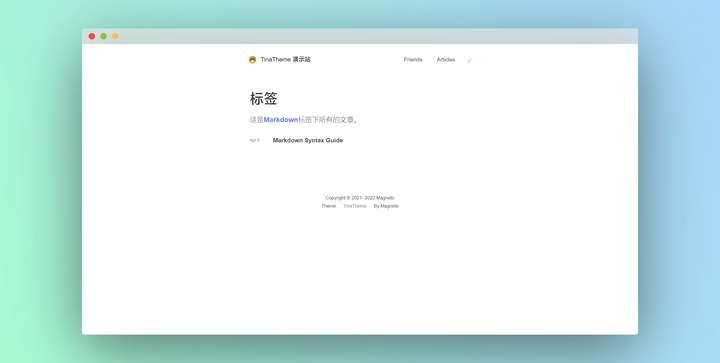
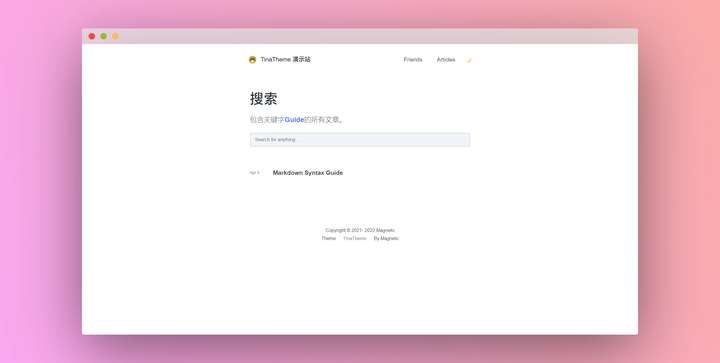
Modifications
If you want to add a specific feature (e.g., inserting a snippet of code into function.php to implement some functionality), it's recommended to use a plugin approach to avoid your inserted code being overwritten by theme updates.