Typecho Admin Template MDUI Style – Designed for Typecho

Typecho Admin Template MDUI Style - AdminMD
Typecho Admin Template MDUI Style - Admin Current Version: 2.0.0
Preface
Not seeing any Typecho admin templates based on MDUI across the web, I naturally wanted to create one. From the very beginning, I intended to share it for free, because MDUI styles are really rare, and I wanted to share it with everyone. Although this blog is built on WordPress, it's certainly not as lightweight as Typecho, and with many users, I decided to make it. After several iterations, AdminMD has finally been pluginized! Congratulations, it improves compatibility with other plugins and themes.
Framework Used
Written using Bootstrap and Material Design design principles
Future Update Plans
Completely overhaul the admin layout with a fresh rewrite
Extend Material Design design principles to every page of the admin panel
Known Issues
Issue 1 - Because Typecho's default Gravatar avatar service is blocked by the GWF, using this theme can cause the admin panel to load very slowly.
Issue 2 - If the menu doesn't work, copy the / AdminMD/var/Widget/Meun.php file from the plugin and paste it into the /wwwroot/var/Widget directory, overwriting the existing file.
Issue 3 - Some resources are accelerated using JSD CDN, which was blocked by the GWF around 2022, so using this plugin with a direct connection within the GFW can lead to missing static resources and slow loading.
Solution for Issue 1
Modify the Typecho source code
File to modify: website root /var/Typecho/Common.php, line 937
Before modification:
$url = $isSecure ? 'https://secure.gravatar.com' : 'http://www.gravatar.com';
After modification:
$url = $isSecure ? 'https://sdn.geekzu.org' : 'http://www.gravatar.com';
Where https://sdn.geekzu.org can be replaced with another domestic Gravatar proxy address
Theme Preview
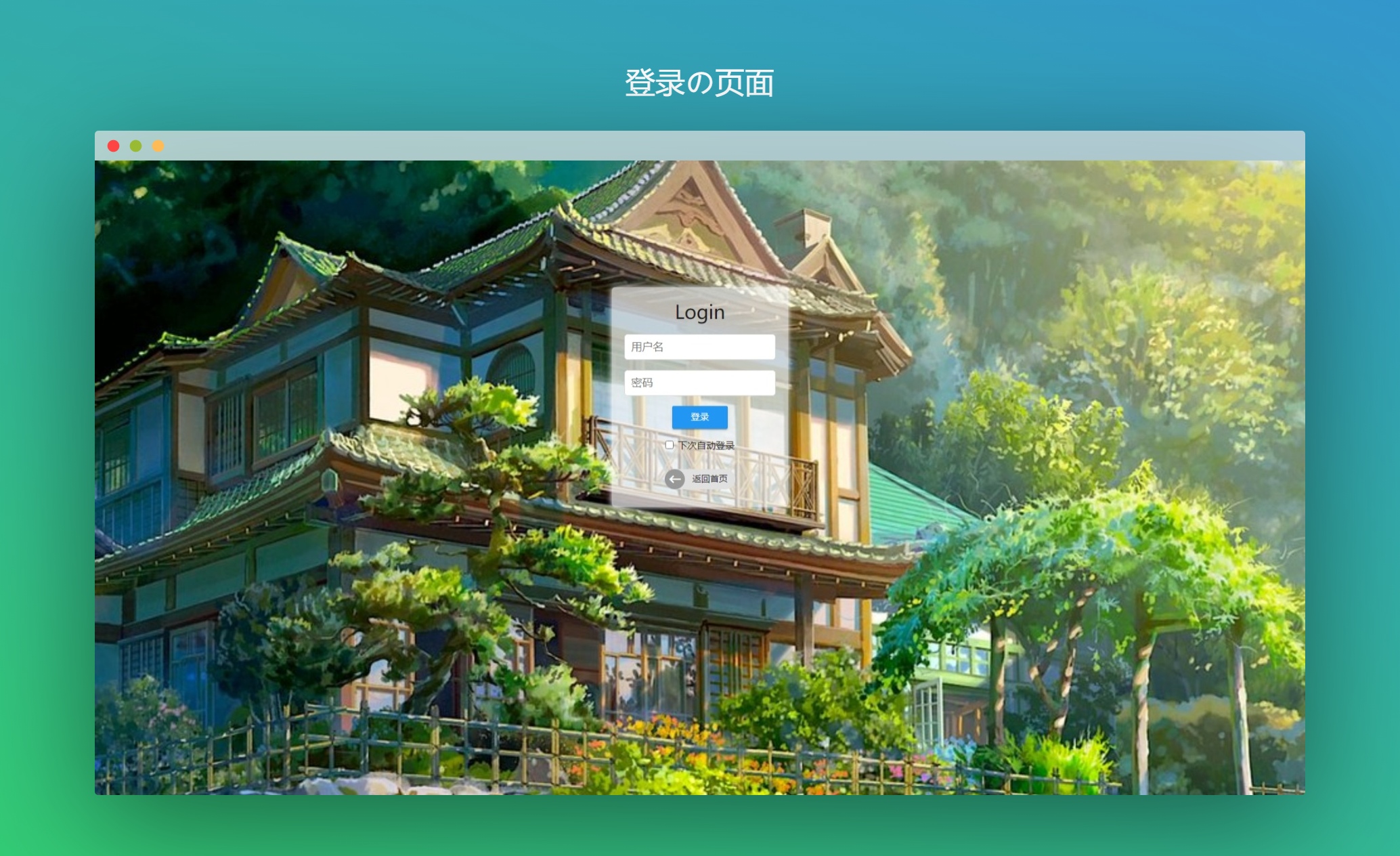
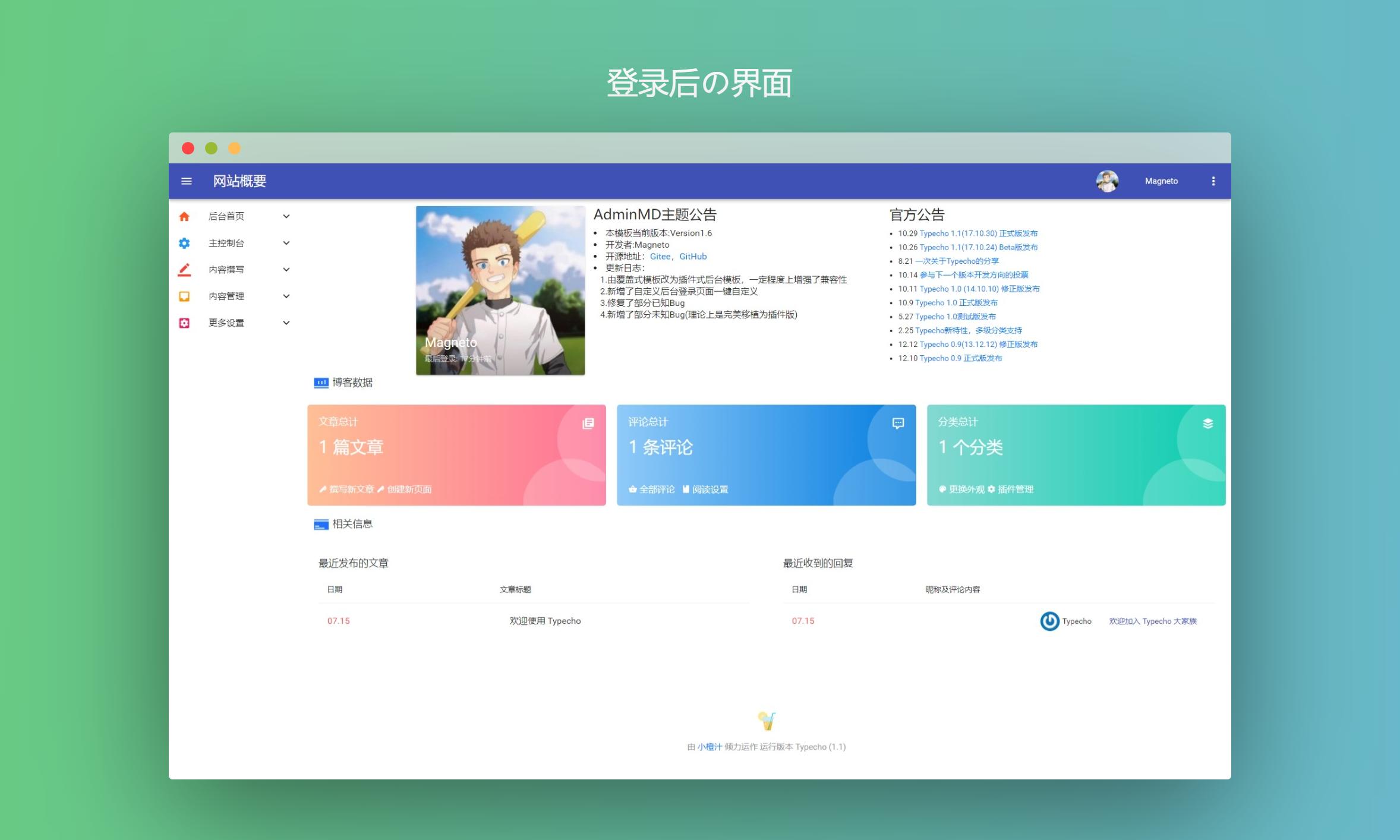
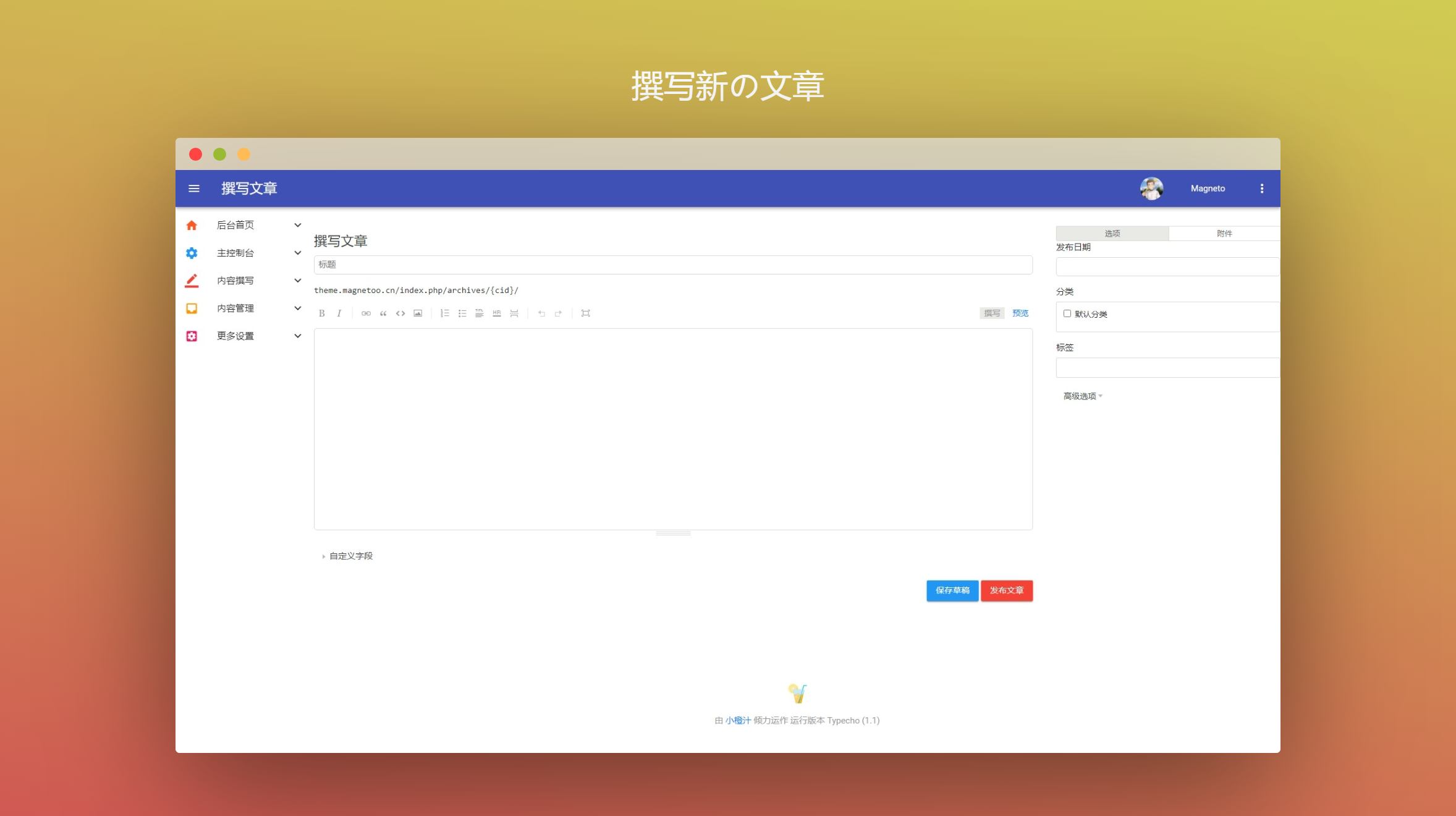
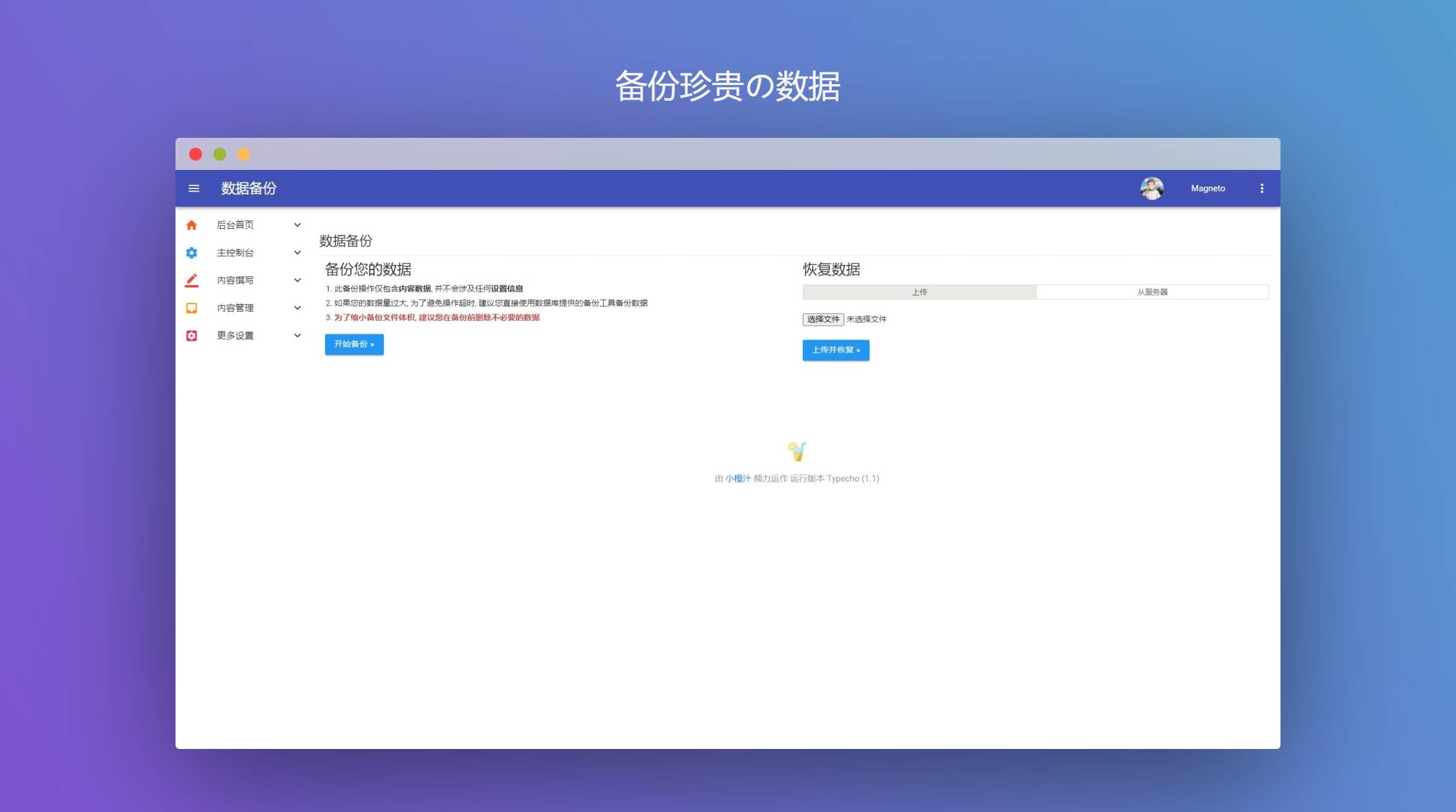
Download Theme
Github
https://github.com/ouyangyanhuo/AdminMD
Gitee

